


When you play the lottery, missing a draw feels like losing by default. However, mobile notifications make sure you stay in the loop. They remind you, alert you, and keep you up to date—so you never forget a draw or miss your chance to win. Below, I explain what kinds of notifications help, how to set them up, and tips to make them work well.
Types of Notifications That Matter
To stay on top, your lottery app (or result app) should offer several notification types:
-
Draw Reminders / Ticket Purchase Reminders
These remind you before a draw closes so you have time to buy tickets. You can choose a time that works for you. -
Result Notifications
As soon as the winning numbers come in, the app pushes the results to you. No need to open the app or check a website. -
Jackpot Alerts
Get notified when the jackpot reaches a certain amount. This helps you decide when a draw is particularly worth entering. -
Rollover or Draw Frequency Alerts
These tell you if a lottery has rolled over (i.e. nobody won last time) or reached multiple draws without a win. -
Special Events & Promotional Draws
Sometimes lotteries have bonus draws, Superdraws, or special promotions. Alerts notify you before these happen. -
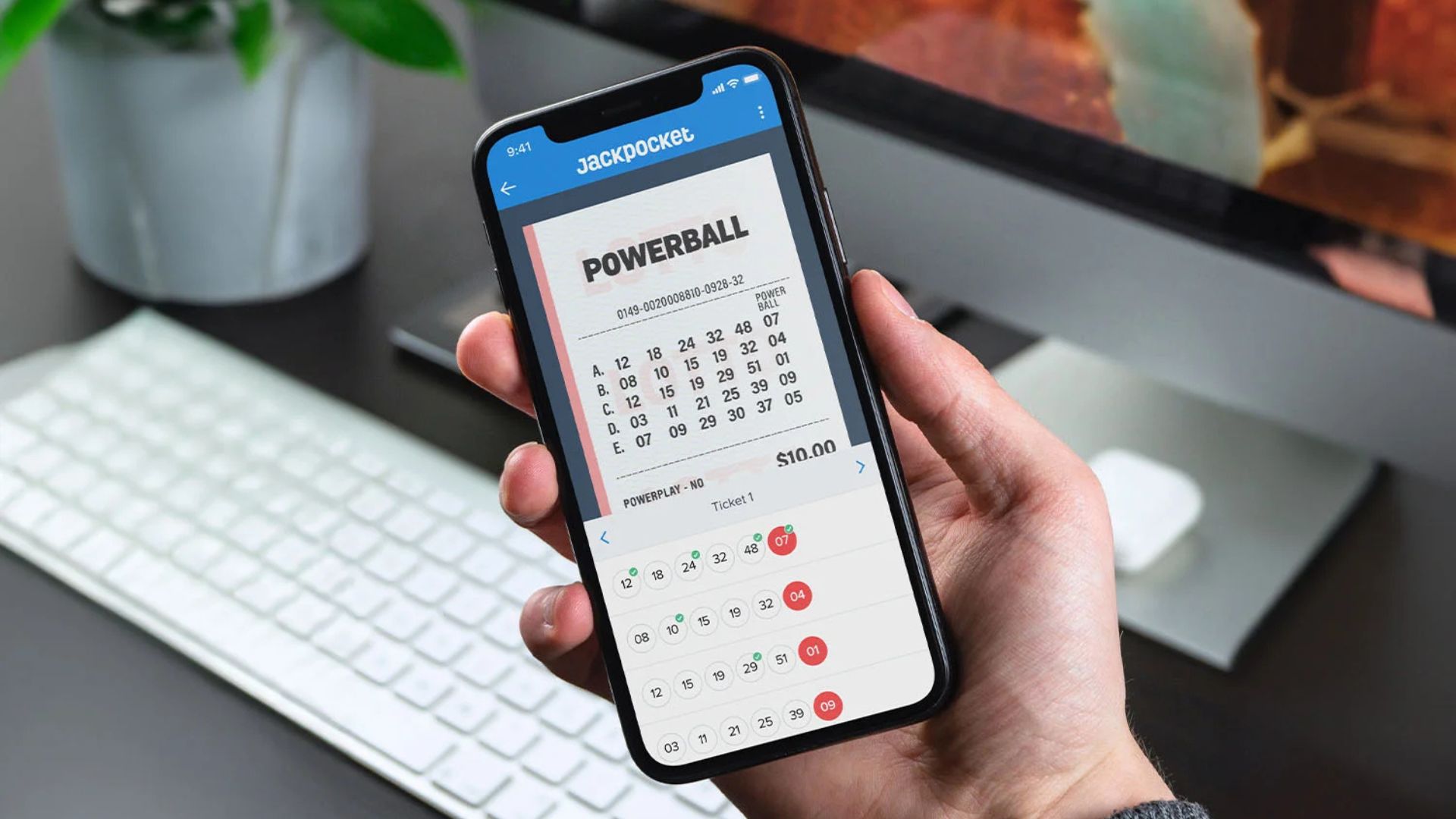
Ticket Scan & Win Alerts
If the app supports scanning your physical ticket or saving numbers, it can alert you if your ticket wins.
Examples of Apps/Services With These Notification Features
Here are real examples to show how mobile notifications work in lottery apps:
-
The UK National Lottery Results app lets you customise notifications for specific lottery games. You can pick which games, which days, and choose alerts for when jackpots roll over or reach a certain size.
-
Lottery.net (Android / iOS) lets users set up reminders to buy tickets, alerts for jackpot thresholds, and result notifications.
-
The SA Lottery Results app offers custom notifications, letting you choose days you play, set jackpot alerts, and get notified instantly when results are ready.
How to Set Up Notifications Effectively
Follow these steps to make sure your notifications keep you on track without becoming annoying:
-
Allow notifications
When you install the app, grant permission for push notifications. If you skipped that step, go to your device’s settings later. -
Choose the lotteries you follow
Only select notifications for the games you actually play. This avoids receiving alerts for draws you don’t care about. -
Turn on reminders before draws
Set reminders a few hours (or a day) before ticket sales or entries close. This gives you enough time to buy tickets. -
Set jackpot and rollover thresholds
Pick a jackpot amount that motivates you — for example, when it goes above a certain million. Also, enable rollover notifications when no winner appears. -
Limit special event alerts
If the app offers alerts for special draws (Superdraws, bonus draws), turn these on if you want them. Otherwise turn them off to reduce noise. -
Turn off notifications you don’t need
If you get too many alerts — especially promotions or non‑urgent ones — disable them so your phone only pings for the essentials.
Why These Notifications Help
-
You never forget to buy a ticket, especially with reminders before draws.
-
You learn the results fast, so you can claim winnings or move on.
-
You don’t miss big jackpots or special draws that are worth entering.
-
You save time, instead of manually checking multiple lottery sites or apps several times a week.
Watch-Outs & Good Practices
-
Don’t overload alerts. Too many notifications can make you ignore them all.
-
Always check your time zone and draw schedule, so notifications arrive at the correct local times.
-
Make sure the app is from a trusted source, with good reviews and security, so your data (and money) is safe.
-
Keep the app updated. Sometimes notification bugs are fixed in newer versions.
Final Thoughts
Mobile notifications make a big difference when you play the lottery often. They reduce the risk of missing a draw, let you act when jackpots are high, and make it easier to stay in control. With a few setting tweaks and smart choices, your phone becomes your lottery alert partner.