





Buying lottery tickets has become easier and more convenient with mobile apps. Whether you’re using a national lottery app or a global platform, you can now participate in your favorite draws without leaving your home. In this guide, you’ll learn exactly how to buy tickets via app safely and efficiently.
Why Buy Lottery Tickets via an App?
There are several advantages to purchasing lottery tickets through an app:
-
Convenience – Play from anywhere, anytime
-
Instant access – Get notifications for draw results and winnings
-
Security – Most apps use encryption and secure login systems
-
Tracking – Your ticket is saved digitally, reducing the risk of loss
-
Exclusive offers – Some platforms provide app-only promotions or discounts
If you’re ready to get started, here’s a step-by-step breakdown of the process.
Step 1: Choose a Trusted Lottery App
The first step is to select a reputable lottery app. Depending on your country, you may have access to either:
-
National lottery apps (e.g. for Powerball, UK Lotto, SA Lotto)
-
International platforms that allow participation in global draws
-
Lottery agent apps that purchase physical tickets on your behalf
When choosing an app, ensure it is:
-
Licensed and regulated
-
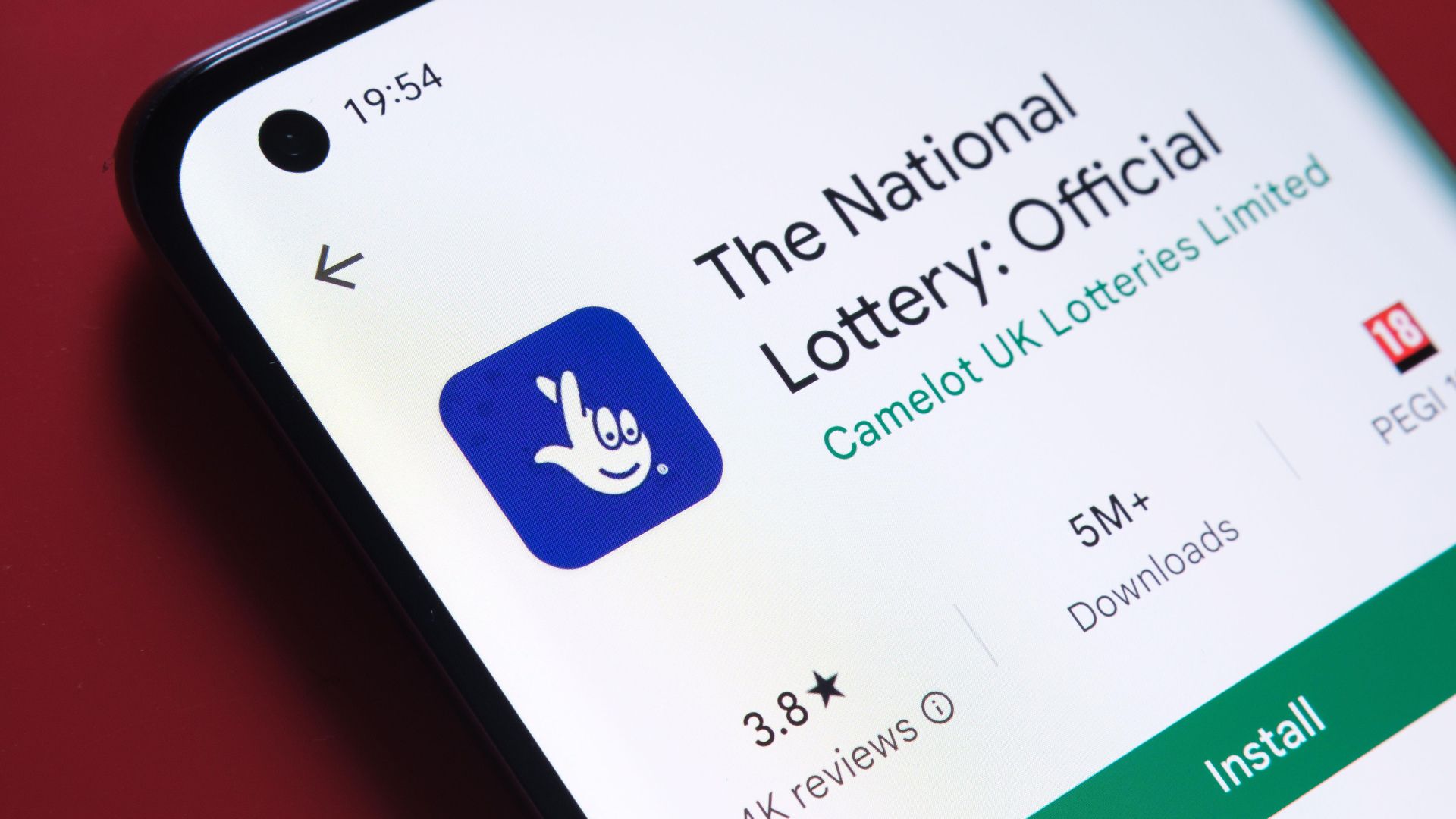
Available in official app stores (Google Play or Apple App Store)
-
Highly rated by users
-
Transparent with clear terms and customer support
Step 2: Download and Install the App
Once you’ve chosen a platform, download the app from the official store. Avoid downloading APK files or using unofficial websites, as these may carry security risks.
After downloading:
-
Install the app
-
Open it and allow necessary permissions (such as notifications or location if required)
Step 3: Register or Log In
You’ll need an account to make any purchases. If you’re a new user, tap the Sign Up or Register button and enter:
-
Your full name
-
Date of birth (to verify age eligibility)
-
Email address and phone number
-
Residential address
-
A secure password
Once completed, you may be asked to verify your email or upload an ID to confirm your identity.
Returning users can simply log in using their existing credentials.
Step 4: Fund Your Account
To buy tickets, you’ll need to deposit funds into your account. Go to the Wallet, Cashier, or Deposit section of the app and choose your preferred payment method:
-
Debit or credit card
-
Mobile money (available on some African platforms)
-
E-wallets like PayPal, Skrill, or Neteller
-
Bank transfer
-
Prepaid cards or vouchers
Follow the prompts to complete your payment. Most apps process deposits instantly.
Step 5: Select Your Lottery Game
Now comes the fun part—choosing your lottery game. From the app’s homepage or game section, browse the available draws, which may include:
-
Local lotteries (e.g. South African Lotto, UK National Lottery)
-
International games (e.g. Powerball, Mega Millions, EuroMillions)
-
Instant win games or scratch cards
Tap the game you want to enter to begin the ticket selection process.
Step 6: Pick Your Numbers
You can either:
-
Manually select your numbers
-
Use a Quick Pick or Random Selection feature
-
Choose multiple entries or use the Multi-draw option to enter future draws
Some apps also offer Syndicate play, where you share tickets with a group for a higher chance of winning.
Once you’ve made your selection:
-
Confirm the number of tickets
-
Review your total cost
-
Tap Purchase or Confirm
Step 7: Get Confirmation and Track Your Ticket
After payment, you’ll receive a digital receipt or ticket confirmation within the app. This may include:
-
Your selected numbers
-
The draw date
-
A unique ticket ID or QR code
-
Purchase time and amount
Most apps store this ticket under a My Tickets or Purchases section, where you can review past entries or check for results.
Step 8: Check Results and Withdraw Winnings
Once the draw takes place, you’ll get a notification if you win. Smaller prizes are often credited automatically to your app wallet. For larger wins, you may need to verify your identity again or initiate a manual withdrawal.
To check your results manually:
-
Go to the Results section in the app
-
Tap the specific draw date or lottery
-
Compare the numbers or let the app do it for you
For withdrawals:
-
Go to your Wallet or Payout section
-
Select the withdrawal method
-
Follow the steps to transfer funds to your bank or e-wallet
Final Thoughts
Buying tickets via app is one of the easiest and safest ways to participate in lotteries today. It saves time, reduces the risk of losing a ticket, and gives you instant access to multiple games and draws. Just make sure you’re using a trusted, licensed app with secure payment options. Once you’re set up, all it takes is a few taps to get your ticket and maybe even your big win.