



Tired of missing lottery draws? Auto-purchase features on lottery apps can help. These tools allow you to automatically buy tickets for your favorite games without having to log in every time.
Setting up auto-purchase saves time and ensures you never miss a chance to win. Let’s walk through how it works, how to set it up, and what you should keep in mind.
What Is Auto-Purchase?
Auto-purchase (or auto-play) is a feature on many lottery apps that automatically buys your selected lottery tickets for future draws. You choose the game, numbers, and frequency. The app then charges your account and enters your ticket each time — no action needed from you.
This is ideal for players who:
-
Use the same numbers regularly
-
Want to play every draw
-
Don’t want to worry about missing deadlines
Step-by-Step: Setting Up Auto-Purchase
The steps below are general, but most popular lottery apps (like Jackpocket, theLotter, Lotto.com, or Mido Lotto) follow a similar process.
1. Download and Sign In to the App
Start by downloading a trusted lottery app that’s legal in your region. Create an account and complete any identity verification steps if needed.
2. Choose Your Lottery Game
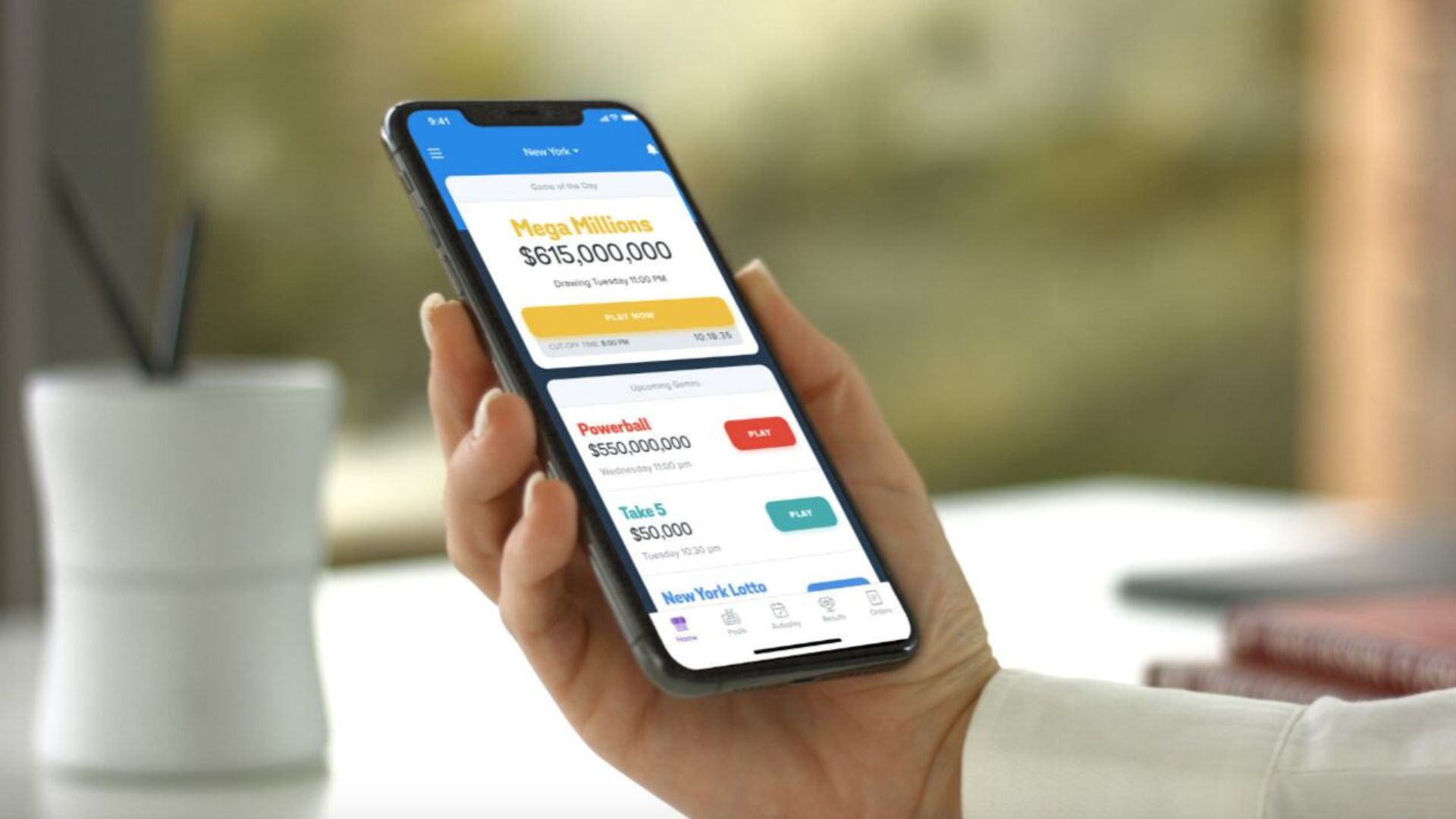
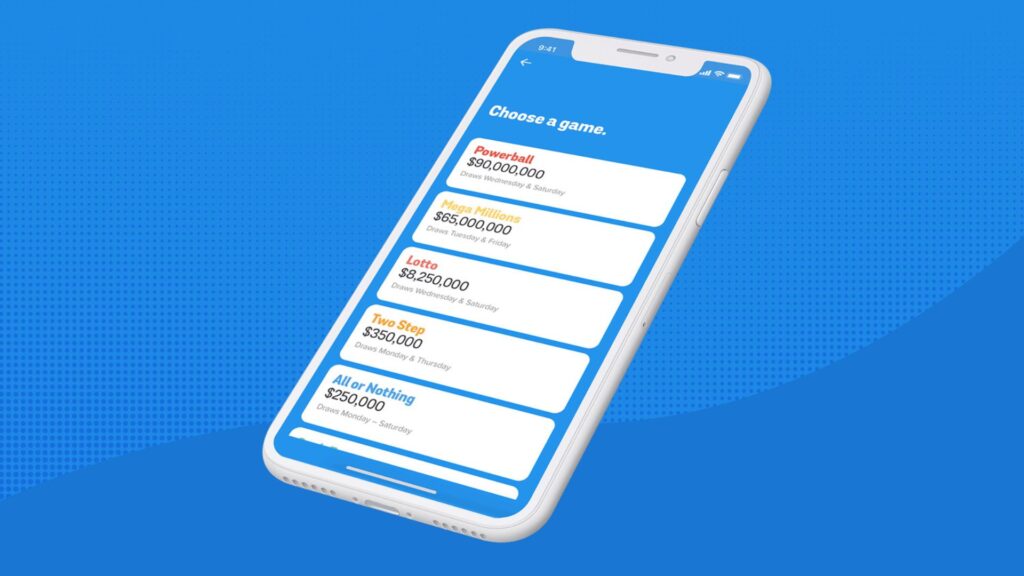
Select the game you want to play — such as Powerball, Mega Millions, EuroMillions, or your local lottery. Each game will show draw days and jackpot details.
3. Pick Your Numbers or Use Quick Pick
-
You can manually select your lucky numbers.
-
Or use Quick Pick, which randomly generates numbers for you.
Tip: Some apps let you save your favorite numbers for auto-play later.
4. Select the “Auto-Purchase” or “Subscription” Option
After choosing your numbers, look for a checkbox or button labeled:
-
“Subscribe”
-
“Auto-Renew”
-
“Enable Auto-Purchase”
Tap that option to turn on recurring purchases.
5. Choose Frequency and Duration
Set how often you want to play:
-
Every draw (e.g. twice a week)
-
Weekly or monthly
You may also be able to set how long your subscription lasts:
-
Until you cancel
-
For a set number of draws (e.g. 10 draws)
6. Add Payment Details
Link a valid payment method:
-
Credit or debit card
-
Wallet balance
-
PayPal (if supported)
The app will charge your account automatically before each draw.
7. Confirm and Save
Review your auto-purchase settings. Once you’re happy, confirm and save your subscription.
That’s it! You’ll now be entered into the lottery automatically according to your settings.
What to Keep in Mind
While auto-purchase is convenient, here are a few important tips:
Monitor Your Spending
It’s easy to forget you’re being charged weekly or monthly. Set spending limits or budget reminders.
Update Your Numbers or Settings Anytime
Most apps let you:
-
Change your numbers
-
Cancel auto-purchase
-
Pause or resume subscriptions
You can do all this in the app’s account settings or subscriptions section.
Check Notifications
Turn on app notifications so you get alerts for:
-
Ticket purchases
-
Draw results
-
Wins or payment issues
Auto-Purchase Doesn’t Guarantee Wins
Auto-play keeps you in the game, but it doesn’t improve your odds. Lottery games are still random, so play responsibly.
Popular Apps That Support Auto-Purchase
Here are a few apps known for their auto-purchase features:
-
TheLotter – Offers subscriptions and multi-draw packages
-
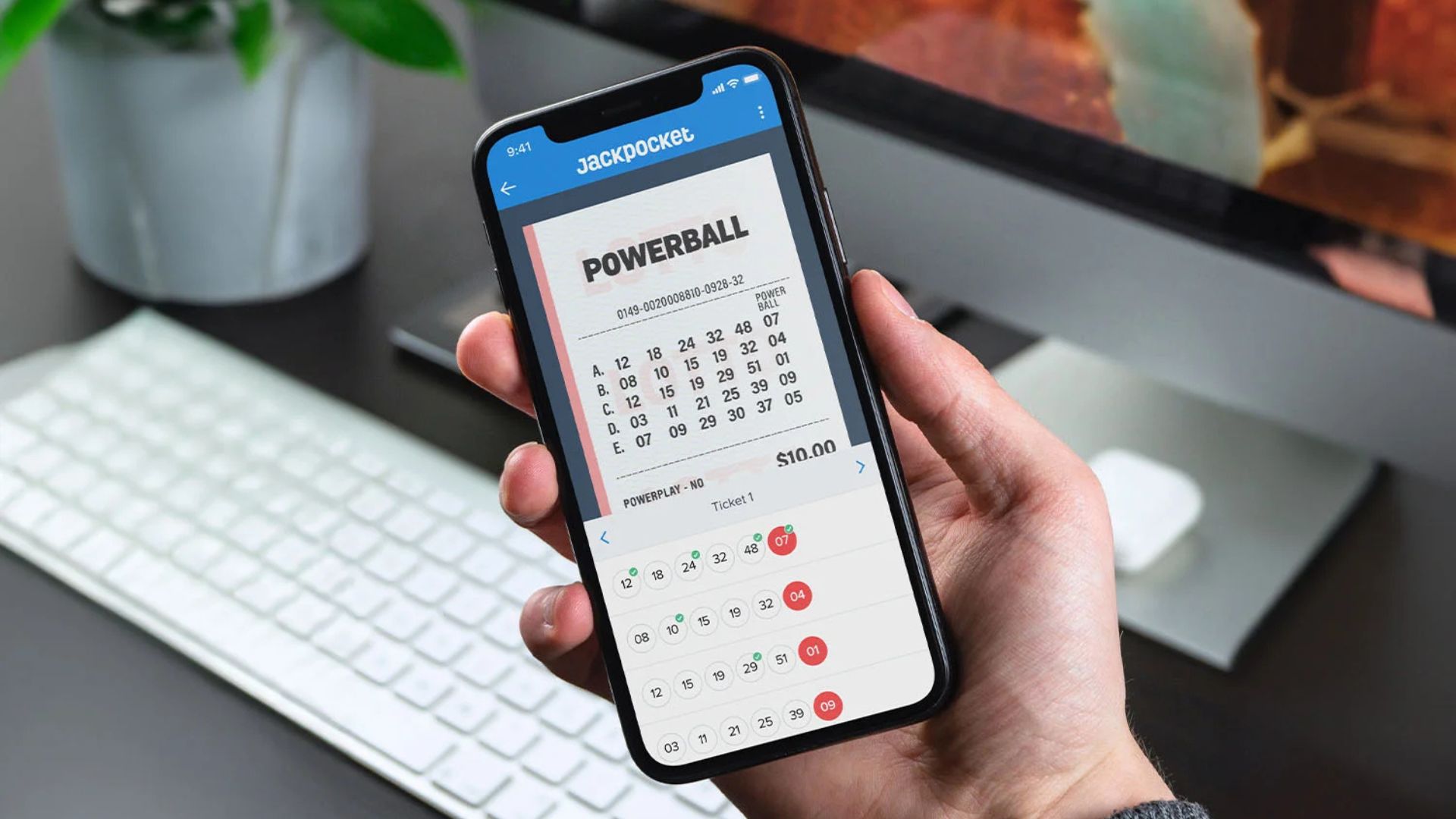
Jackpocket – Lets you auto-order tickets in select U.S. states
-
Mido Lotto – Has recurring ticket purchases and draw reminders
-
Lotto.com – Auto-renews your ticket orders easily
-
Lottoland – Offers betting on draw outcomes with auto-renewal options
Final Thoughts
Auto-purchase is a great tool for regular lottery players. It saves time, ensures you never miss a draw, and adds convenience to your routine. Just make sure to stay aware of your settings, payments, and results.
Would you like help setting it up for a specific app? Or do you want a downloadable checklist for managing your auto-purchase settings?